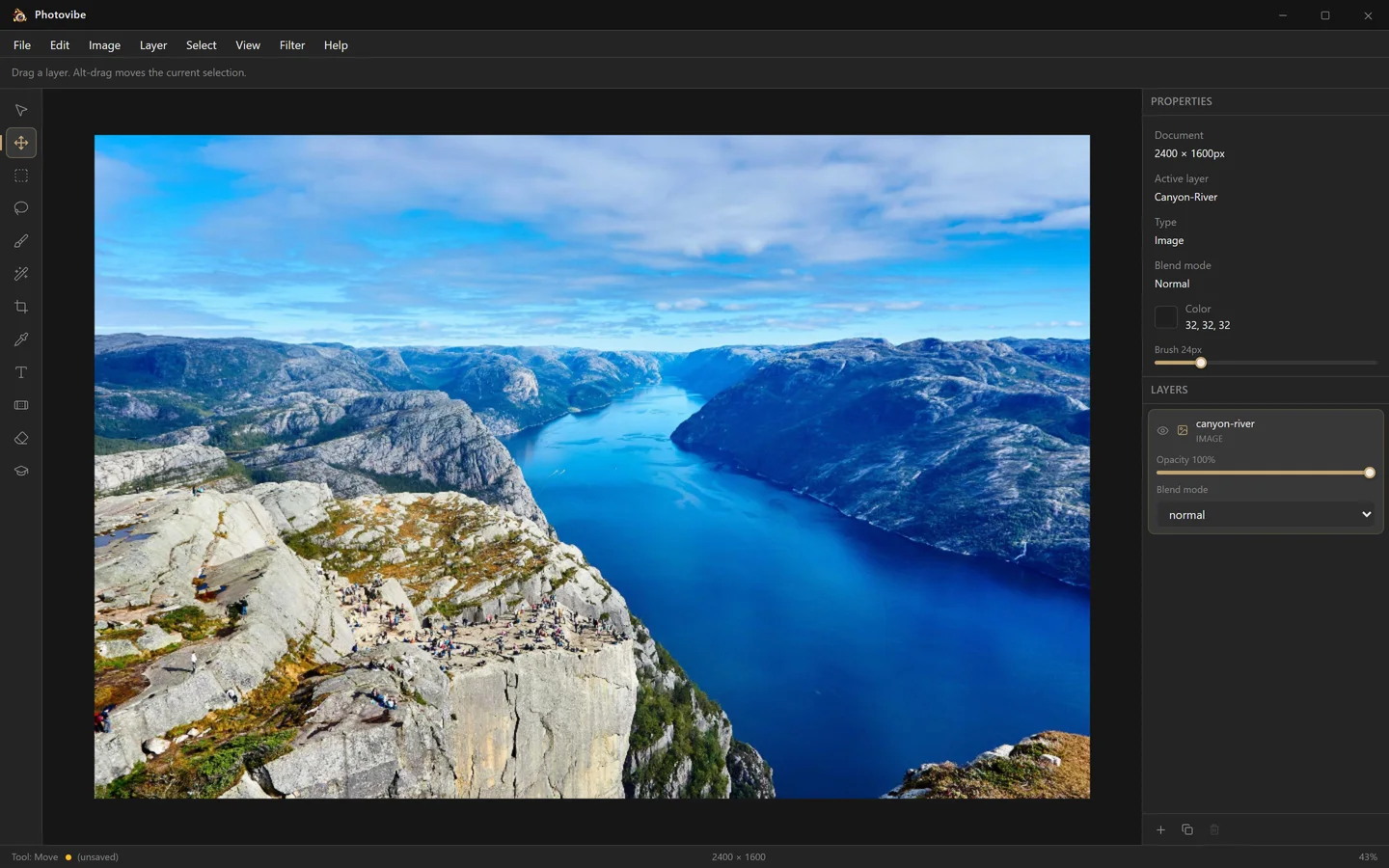
Free, for good
No subscription, no trial, no watermark, no upsell. MIT licensed, so it stays free even for commercial work.
Your photos never leave
A native desktop app, not a website. Every pixel is processed on your own machine, and it works with the network unplugged.
Instantly familiar
Tool column, options bar, layers panel, blend modes, the shortcuts you already know. If you have used Photoshop, you can use this.
Small and fast
A few megabytes, installed for your user only, with no admin rights, no background service and no updater daemon.
Layers
Stack it, blend it, take it back
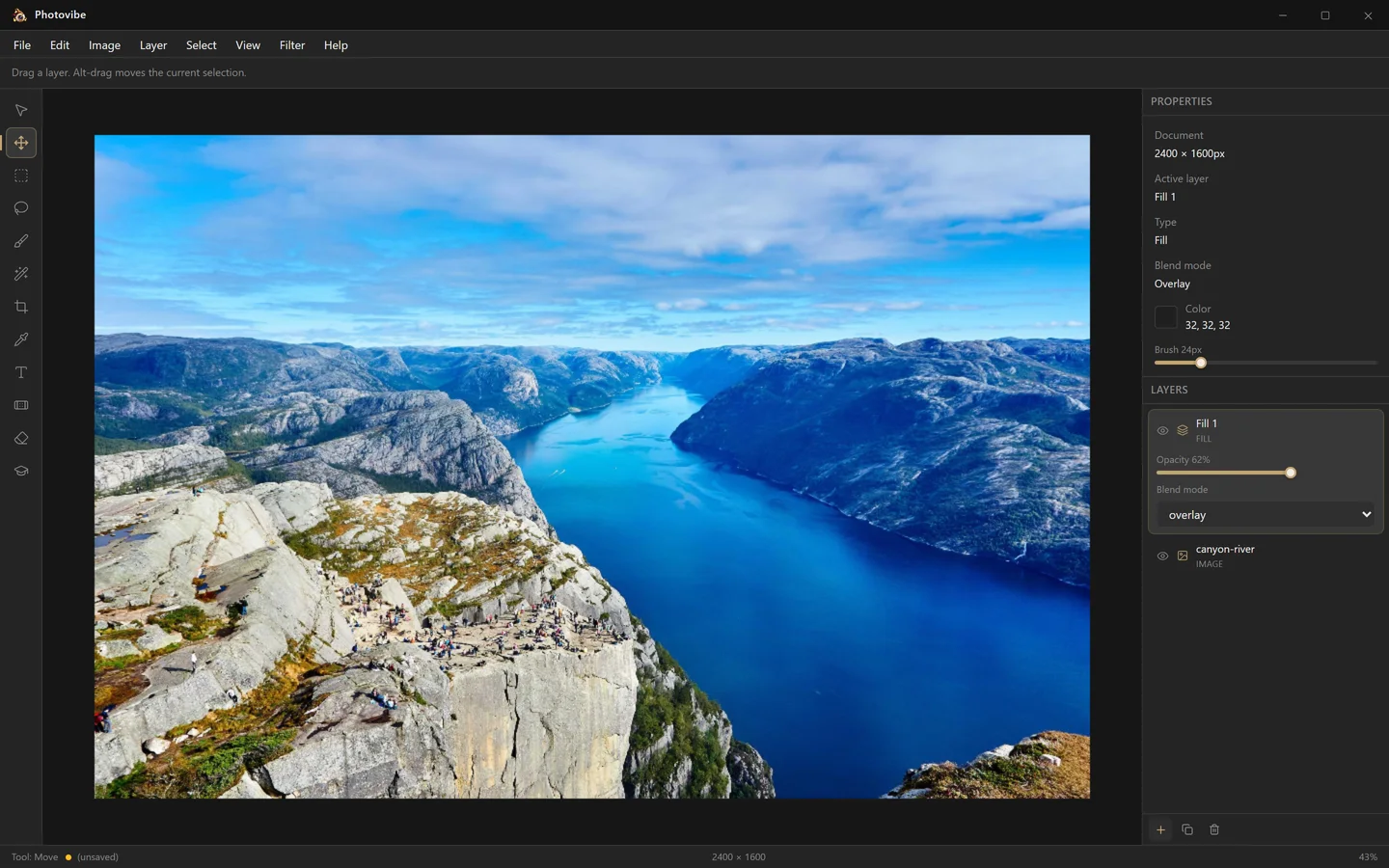
Every document is a stack of image, paint, fill and text layers, each with its own opacity and blend mode, composited on your GPU by a custom WebGL engine. Tint a photo with a fill layer on Overlay, dial the opacity to taste, and delete it again — the original pixels are never touched.
- Normal
- Multiply
- Screen
- Overlay
- Soft Light
- Hard Light
- Colour Dodge
- Colour Burn
- Darken
- Lighten
- Difference
- Exclusion
- Luminosity
Selections
Work on part of the picture
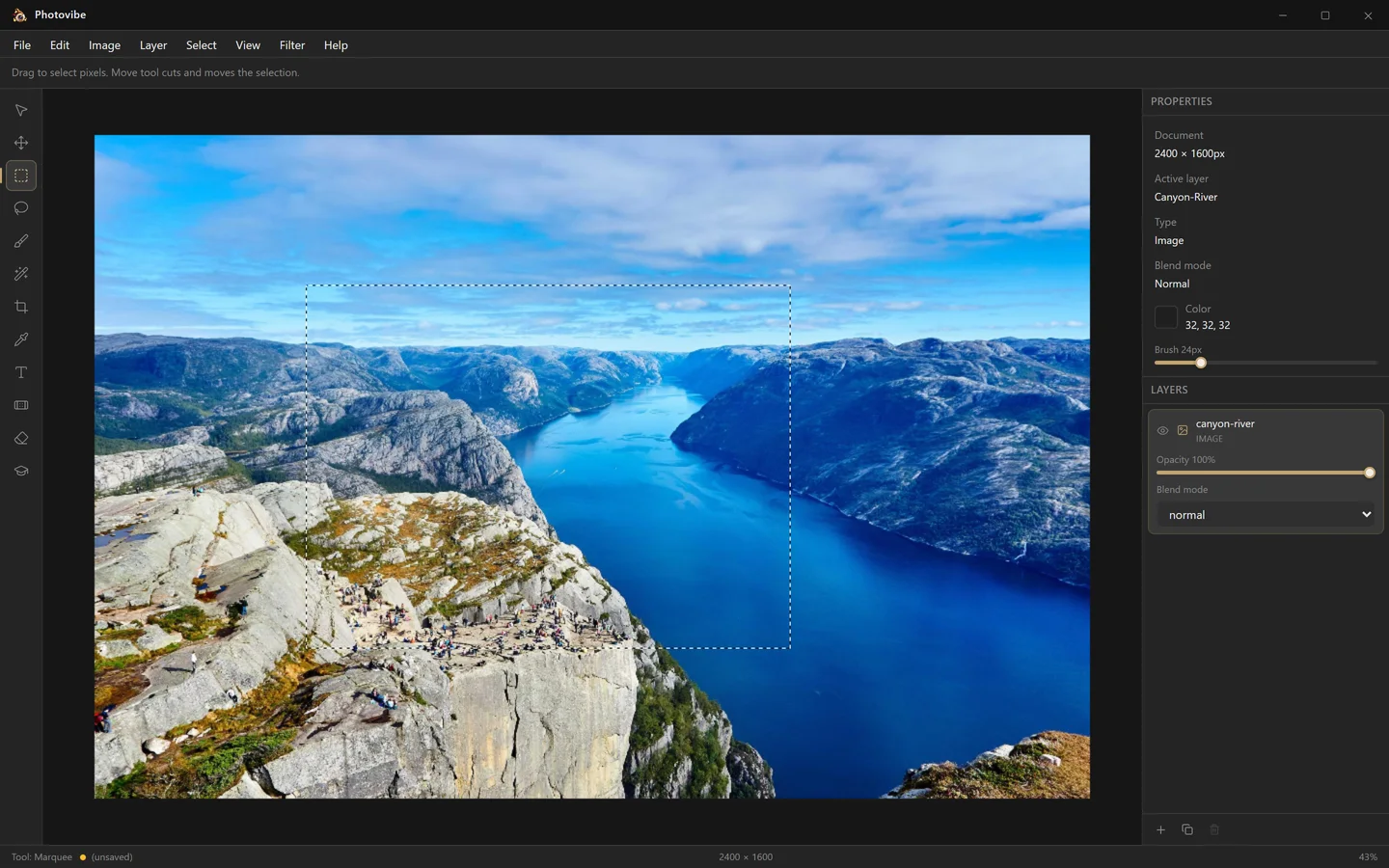
Drag a rectangle, draw a freehand lasso, or click with the magic wand to grab a contiguous region of colour. Paint, erase and gradients are clipped to whatever is selected, and the Move tool can lift the selected pixels straight off the layer.
Read the selections guide →Toolbox
Twelve tools, one key each
The shortcuts are the ones already in your fingers.
-
Cursor
AInspect and pick layers without moving them.
-
Move
VReposition the active layer on the canvas.
-
Marquee
MRectangular selections with live marching ants.
-
Lasso
LFreehand selections drawn by dragging.
-
Brush
BPaint with an adjustable soft round brush.
-
Magic Wand
WSelect contiguous colour regions by tolerance.
-
Crop
CTrim the document down to a region.
-
Eyedropper
ISample any colour, including from outside the window.
-
Text
TAdd text layers using your installed system fonts.
-
Healing
JBlend away blemishes from surrounding pixels.
-
Eraser
EErase to transparency on any pixel layer.
-
Gradient
GDraw linear gradients from the foreground colour.
Where it stands
Photovibe is early. Here is exactly how early.
Plenty of free editors oversell themselves. This is the honest version: if a menu entry is greyed out in the app, it is on the right-hand list, not the left.
Works today
- Multi-layer documents with per-layer opacity and 13 blend modes
- Open PNG, JPEG and WebP files; save your work back to disk
- Rectangular, freehand and magic-wand selections that clip every edit
- Brush, eraser, gradient, healing and text tools
- Brightness, exposure, hue/saturation, levels, blur, sharpen and more
- Cut, copy and paste the selected region
- Drag an image in from the desktop, or paste one from the clipboard
- A colour picker with a wheel and RGB, HSL and hex fields
- Full undo/redo history with named steps
- Image resizing, cropping and a fit-to-screen canvas
- GPU compositing through a custom WebGL engine
Not yet — on the roadmap
- Dedicated PNG / JPEG / WebP export dialogs
- Layer masks and non-destructive adjustment layers
- Canvas size, rotate and flip
- Invert and refine-edge for selections
- macOS and Linux builds
Trust
Built in the open, signed in CI
Every Windows release is built by GitHub Actions from a public, tagged commit, then
Authenticode-signed with a public-trust certificate through Azure Trusted Signing.
Authentication uses GitHub OIDC, so no long-lived signing credential exists anywhere
in the repository — and each release ships a SHA256SUMS
file so you can check the download yourself.
Open a photo in about a minute
A few megabytes, no account, no admin rights. If you do not like it, uninstalling leaves nothing behind.